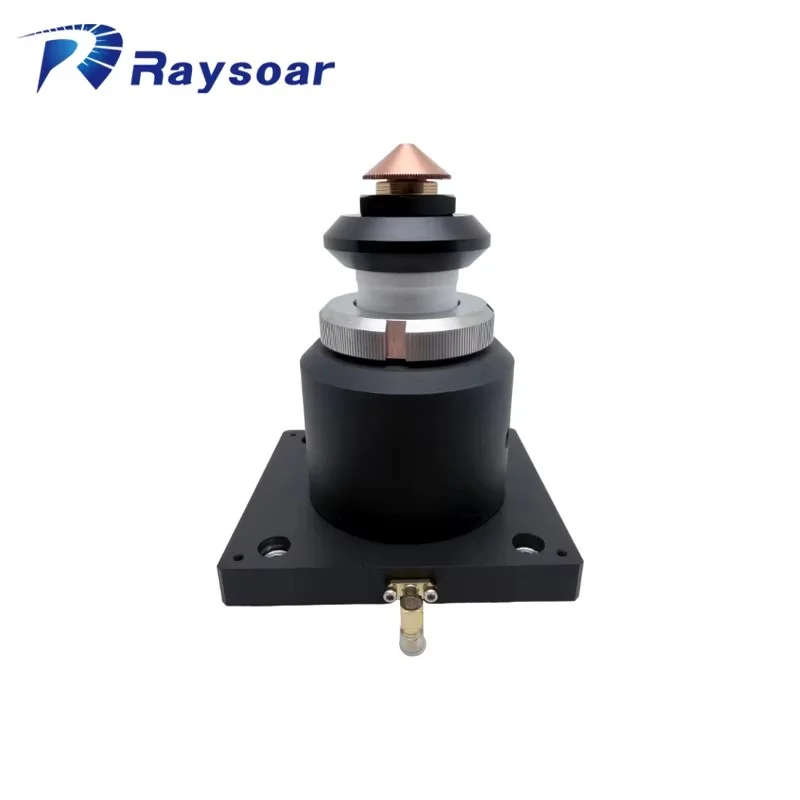
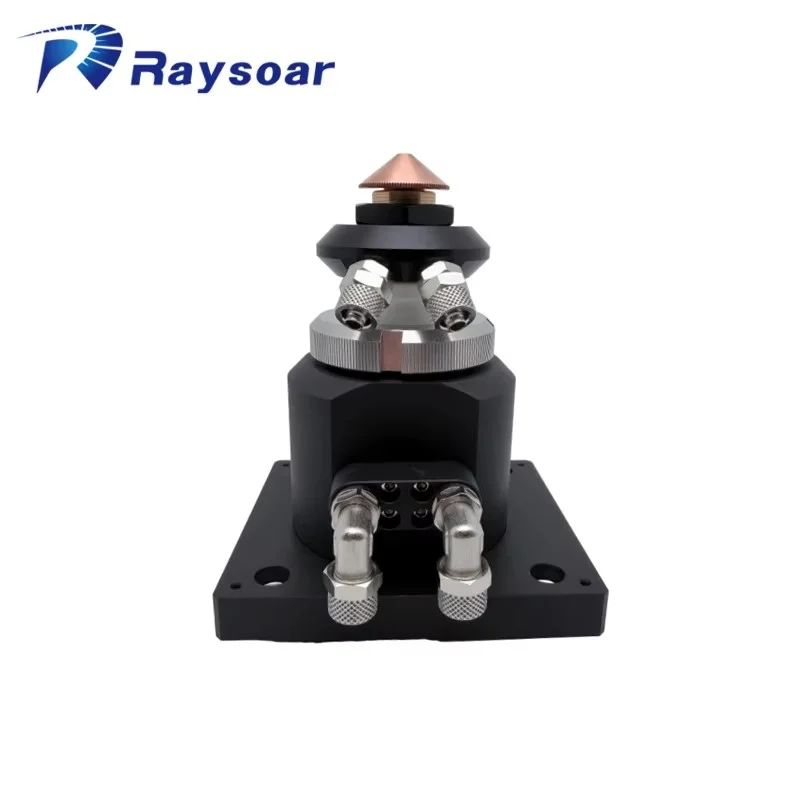
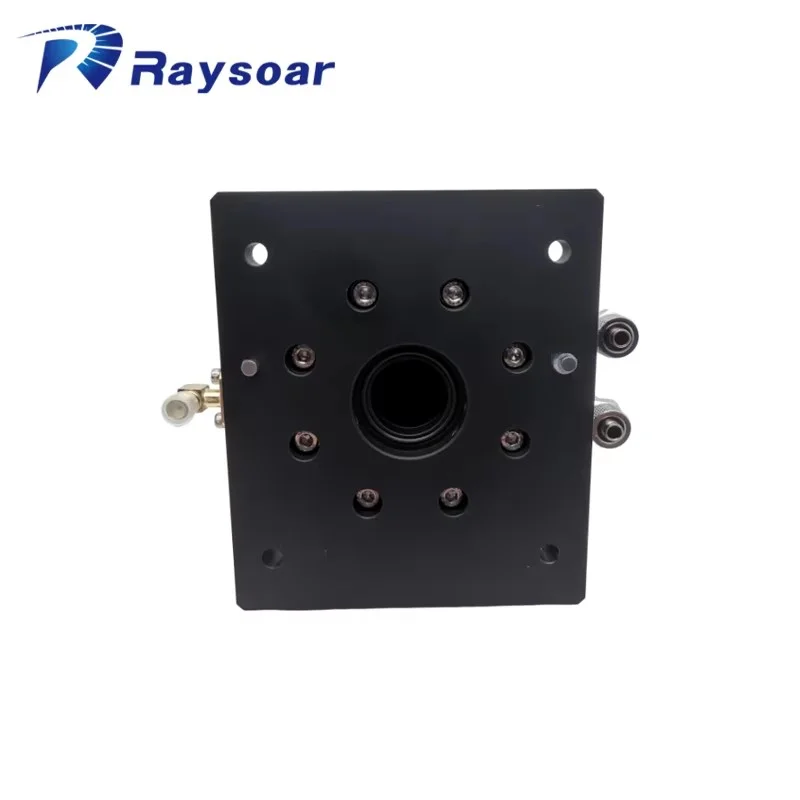
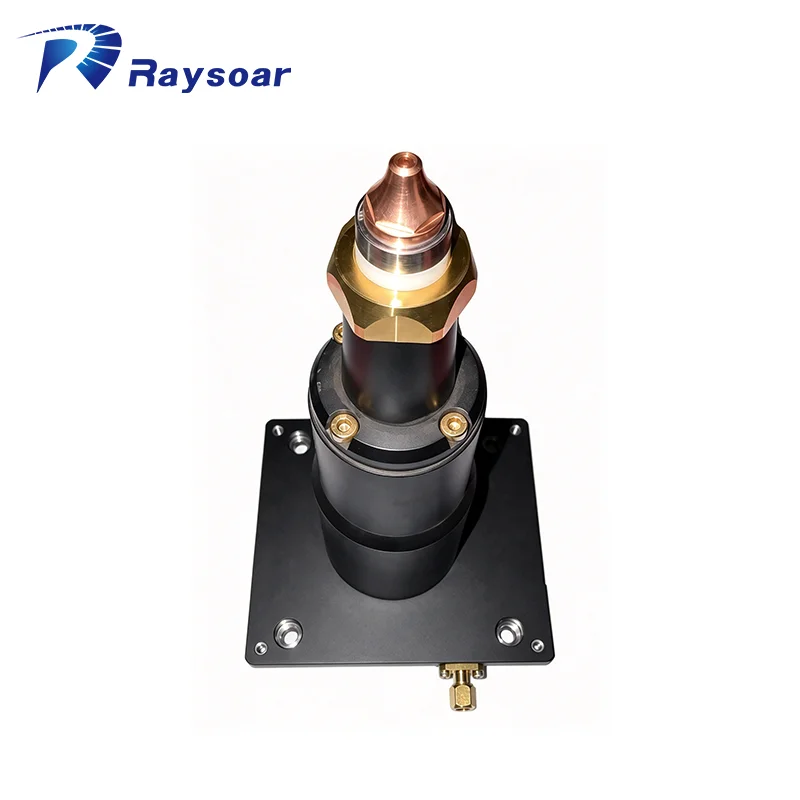
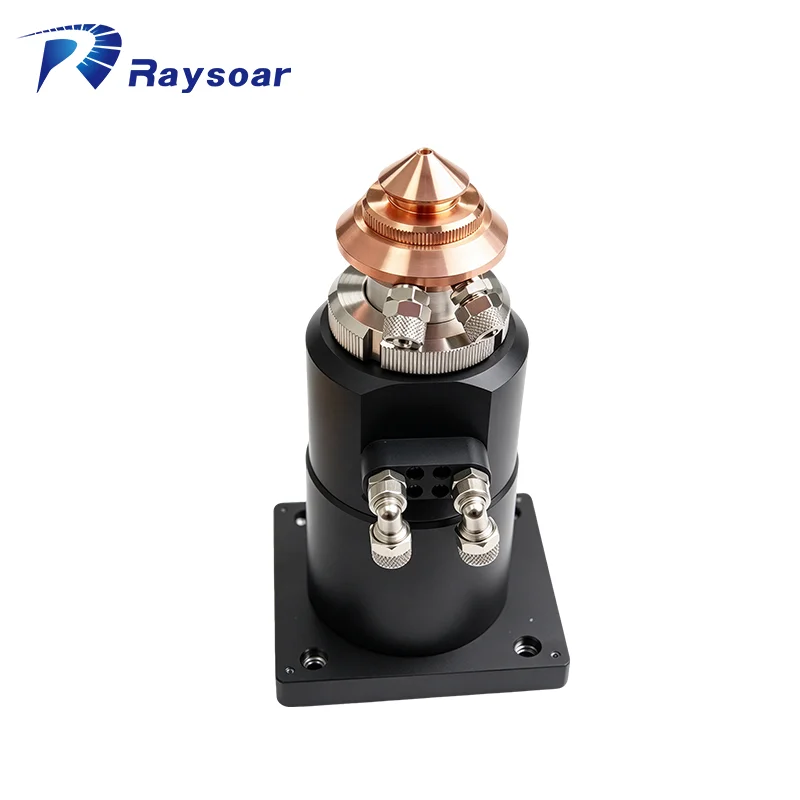
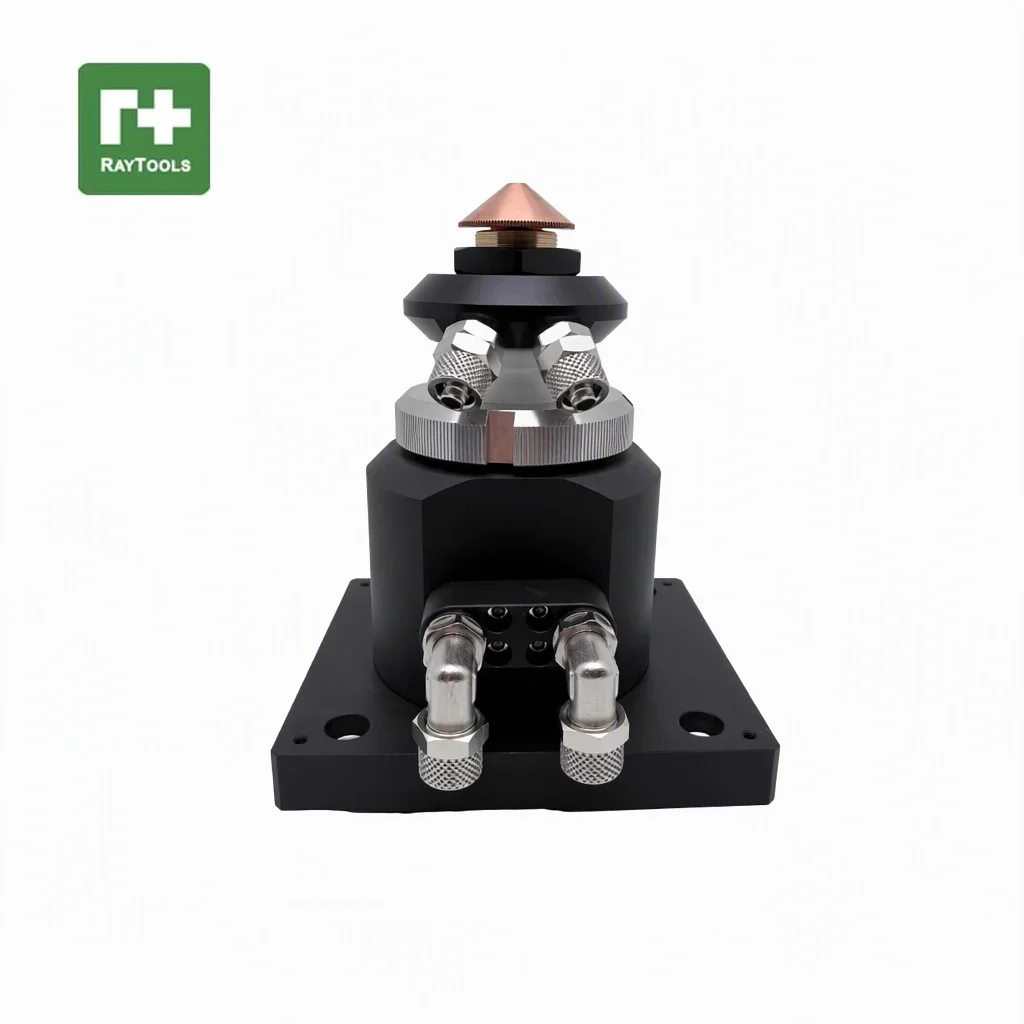
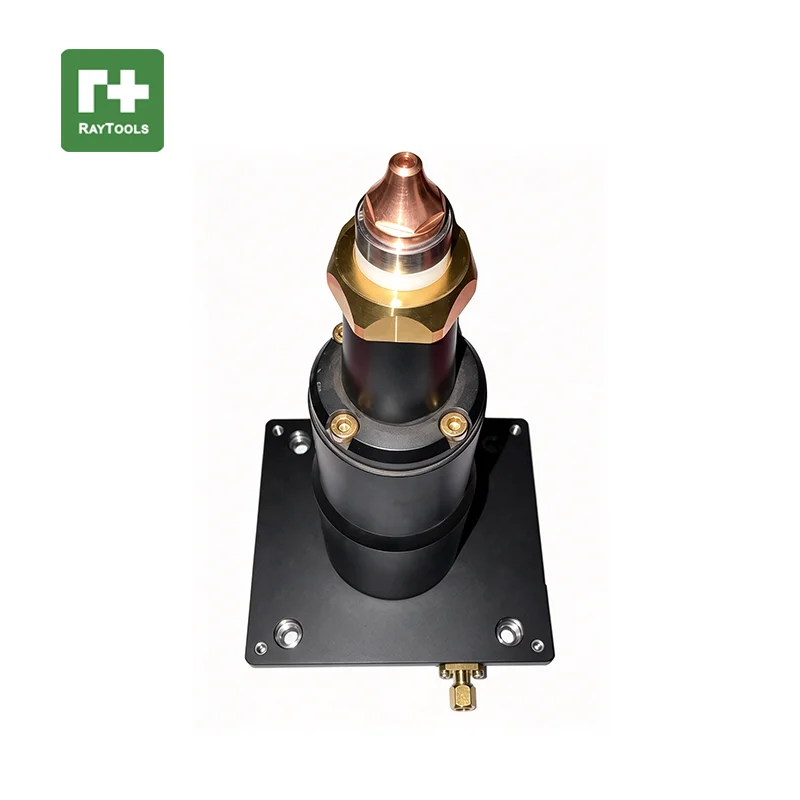
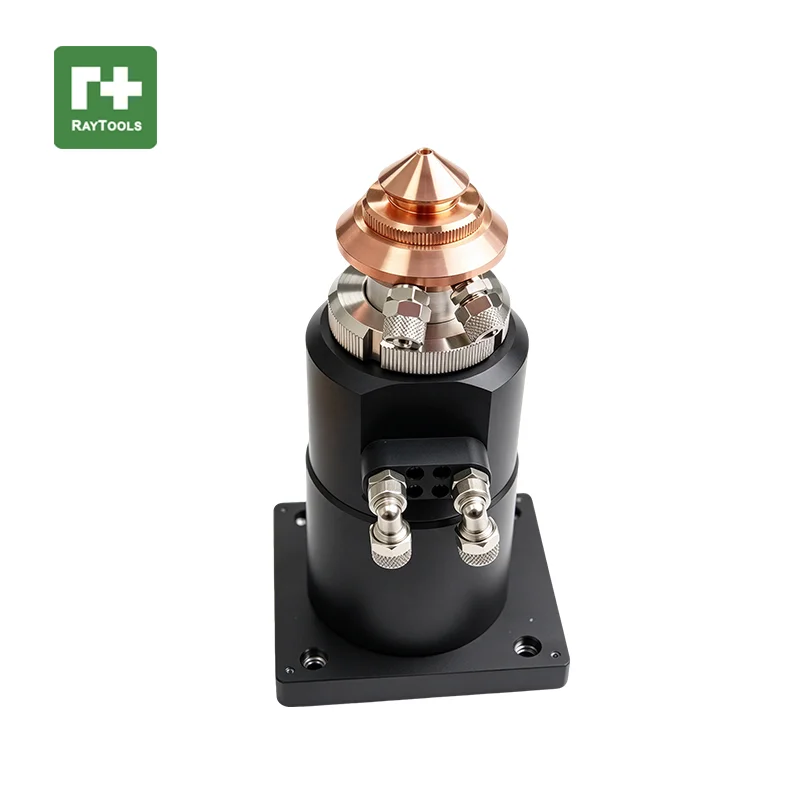
Q: What is a laser cutting head sensor / TRA nozzle connector, and what does it do?
A: It is the part fitted between the cutting head body and the nozzle of a fiber laser cutting head. It carries the capacitive sensing electrode that feeds the automatic height-control (follow-up) system, keeping the nozzle at a constant distance from the workpiece. Our range covers TRA-style nozzle connectors and capacitive sensor heads for Raytools, Precitec, BOCI/BOCHU, OSPRI, Han's, WSX and Amada heads, for 1064 nm fiber laser cutting.
Q: How do I choose the right sensor model for my cutting head?
A: Send us three things and we will match the SKU: (1) your cutting head brand and model, e.g. Raytools BM06K / BM111, Precitec ProCutter 2.0, BOCI BLT421, WSX NC30E; (2) the original part number marked on your old part, e.g. 120BT1100B, P0595-96663, DP.M.Q0033AA; (3) a photo of the old part next to a ruler. Each of our listings states the models that SKU fits, so we can confirm the match before you order.
Q: After fitting a new sensor the machine reports a height-sensing or nozzle error. What should I check?
A. Work through this order: (1) confirm the model and part number match your cutting head; (2) switch off the laser and gas, then clean the contact surfaces and pins — no oil, and do not touch the sensing surface with bare hands; (3) refit the connector and nozzle so they seat fully and stay concentric; (4) restart the machine and run the height calibration of your follow-up system; (5) if the alarm remains, note the error code on the height controller and send it to us with photos.